AI body swap · one photo, one approved clip
Put a person into the clip.
One adult, face and upper body visible · JPG, PNG or WebP up to 10 MB · or drop it on this card
Add a photo of an adult you have the right to use. AIBodySwap places them into an approved one-person reference clip: 5 seconds, aiming for 480p. The background may be redrawn.
Also try:Reaction clipsPreviewSinging photoPreview
See what it makes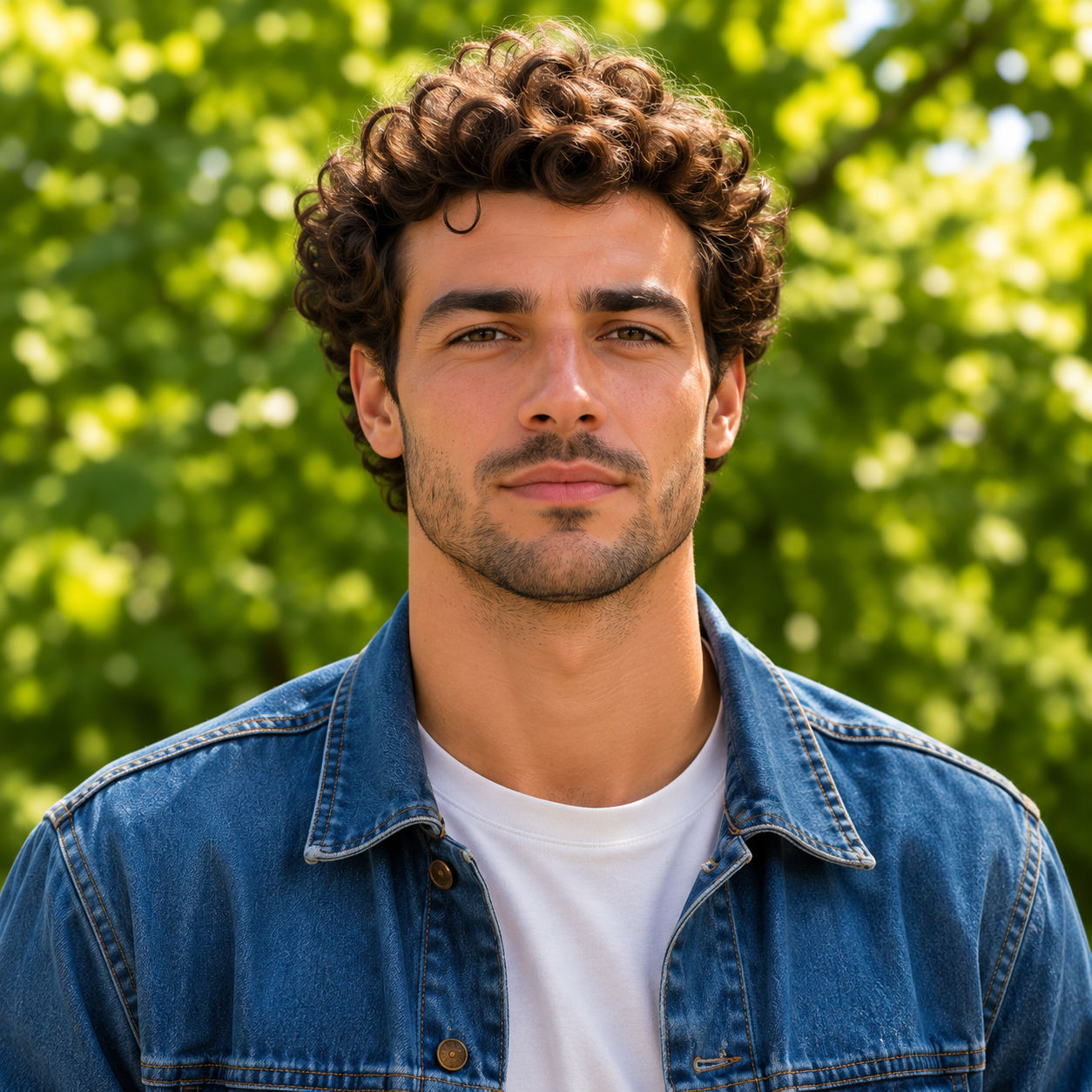
Real result · Video swap
One photo in. Five seconds out.
An earlier real result made with the example photo and the approved reference clip. The person is replaced; parts of the background were redrawn by the model.
- Real AI output, not edited
- 5 s · 480p target
- One person per clip
Ideas to try
Bring a photo. Borrow an idea.
Original photos made for AIBodySwap to show what you could ask for. They are not generated clips — your own photo is what moves.
Reaction idea
Laugh it off
Burst out laughing with your head tipped back, then catch your breath and grin at the camera.
Singing idea
Take the mic
A chorus you recorded, or one you have permission to use.
Reaction idea
Wait, really?
Gasp with both hands over your mouth, eyes wide, then break into a relieved laugh.
Singing idea
Studio take
A voice note or a line you sang yourself, 5 to 15 seconds long.
Reaction idea
Good news
Throw your arms wide, look up and laugh as if you just heard great news.
Singing idea
Field song
Strum along to a song you wrote or have the rights to.
Idea 1 of 6: Laugh it off
Singing · effect preview
Pick the part of the song that matters.
Singing uses your photo and a section of audio you may use. This is the trimming control from the workbench on an example photo — try dragging it. It is not an AI result.
- 5, 10 or 15 seconds
- Listen before you create
- Only the selected part is sent
 Setup preview · not an AI result
How it works
Three steps, one page.
One page, three moves. Nothing leaves your device until you choose Generate.
Add a photo you may use
One adult, face and upper body visible. JPG, PNG or WebP up to 10 MB. It stays on your device until you generate.
Use the approved reference
Every swap uses an AIBodySwap reference clip: one person, 5 seconds, 480p target. You can watch it and a real example first.
Generate, then download
Confirm you may use the photo and generate. The finished MP4 is private to your account in My clips.
Photos that work well
- One adult in the frame
- Face clearly visible, not covered
- Even light, no heavy filters
- Waist-up framing works best
- At least 512 px on the short side
- Only photos you have the right to use
Your photo stays on this device until you choose Create.
Pricing
Pay only for real swaps.
Each 5-second video swap uses 2 credits. Uploading, checking your photo and watching the reference are free.
Preview on your device · Free
See pricingVideo swap credits
2 credits per 5-second swap
Loading price…
- 5 s · 480p target, one person
- Private MP4 download
- Failed clips return their credits
FAQ
Questions
What do I get?
A private MP4. A video swap puts the person from your photo into an approved one-person reference clip: 5 seconds, aiming for 480p. Reaction and Singing are on-device previews for now.
Is the preview the final video?
No. Before you create, you see the approved reference and an earlier public example, or a timing preview of your own photo for Reaction and Singing. None of these is your AI result; that is made only after you choose Generate.
Who can be in the photo?
One adult who agreed to it. Do not use photos of children, or of anyone whose picture you do not have the right to use. Group photos and your own videos are not supported.
What audio can I use for singing?
Audio you made or have permission to use, at least as long as your selected clip. Only the selected section is sent.
Where are my clips kept?
Finished clips are private to your account and listed in My clips. Previews stay on your device and are never uploaded.
What if a clip fails?
Results vary, and the model may redraw parts of the background. If a clip cannot be completed, the credits it used are returned to your account.
Your photo, in the clip.
Check your photo and watch the reference for free. Credits are used only when you generate.